Share it where people already are
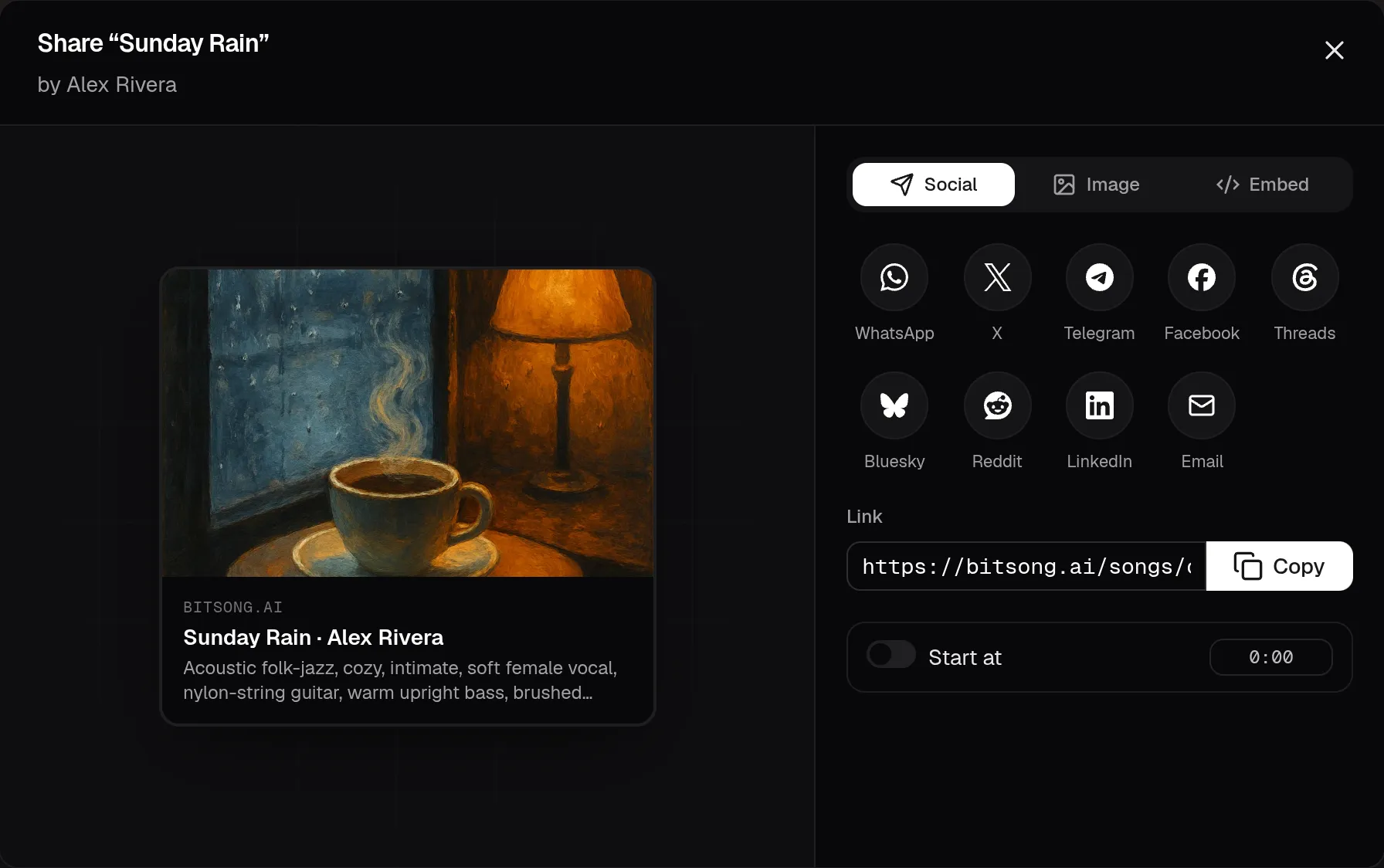
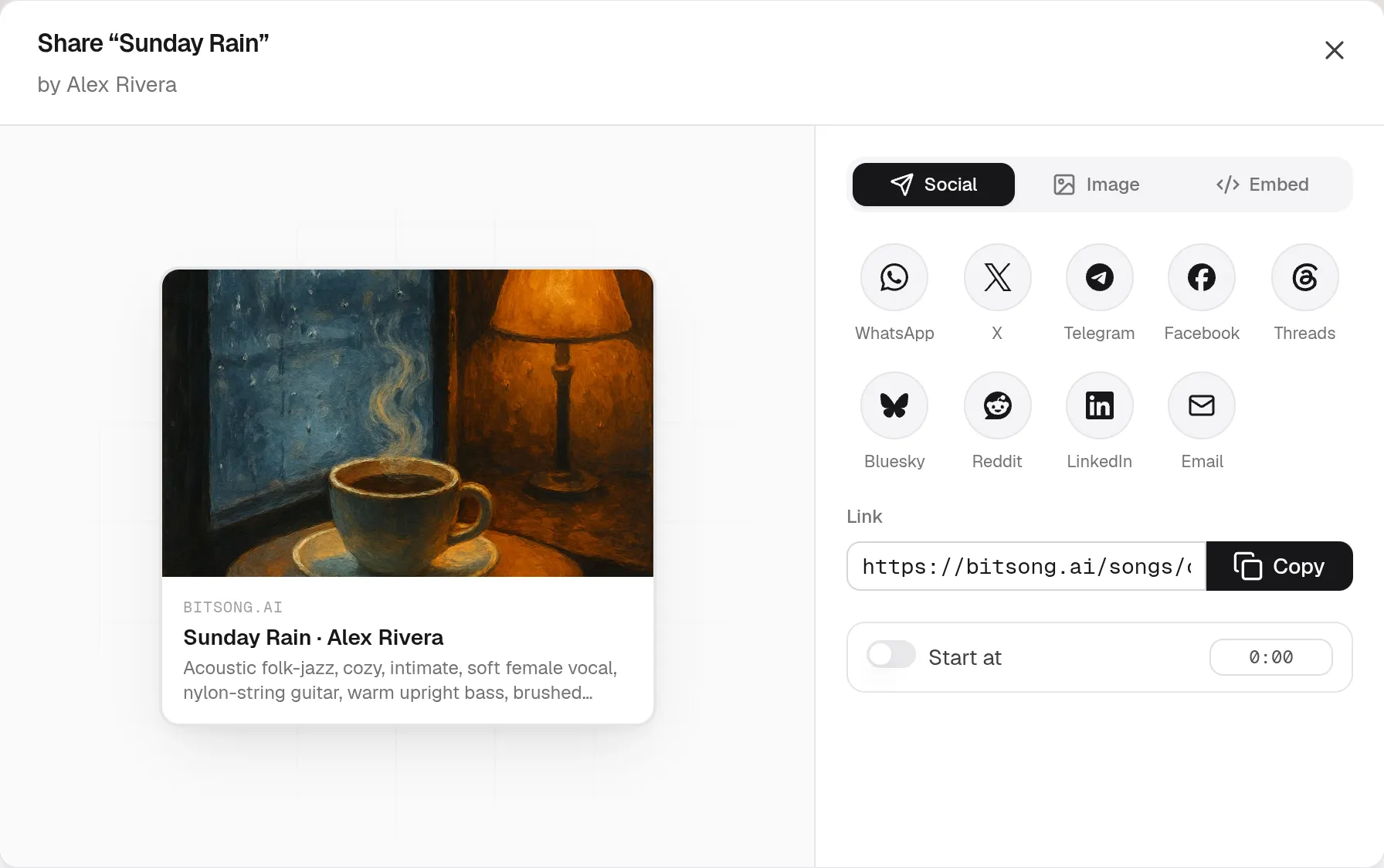
A link that unfurls with the cover on WhatsApp, X or Telegram. A 4:5 picture for Stories, the real player to embed on a site. Start at the best moment
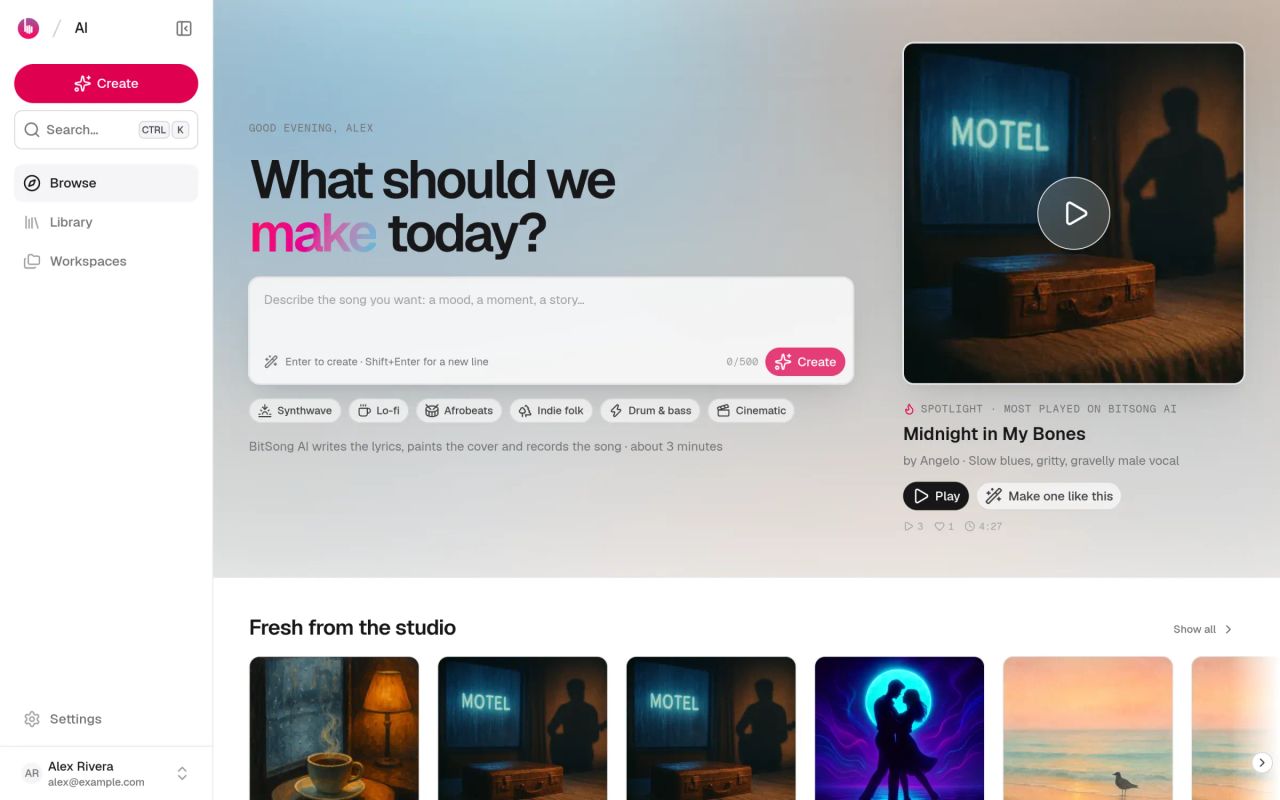
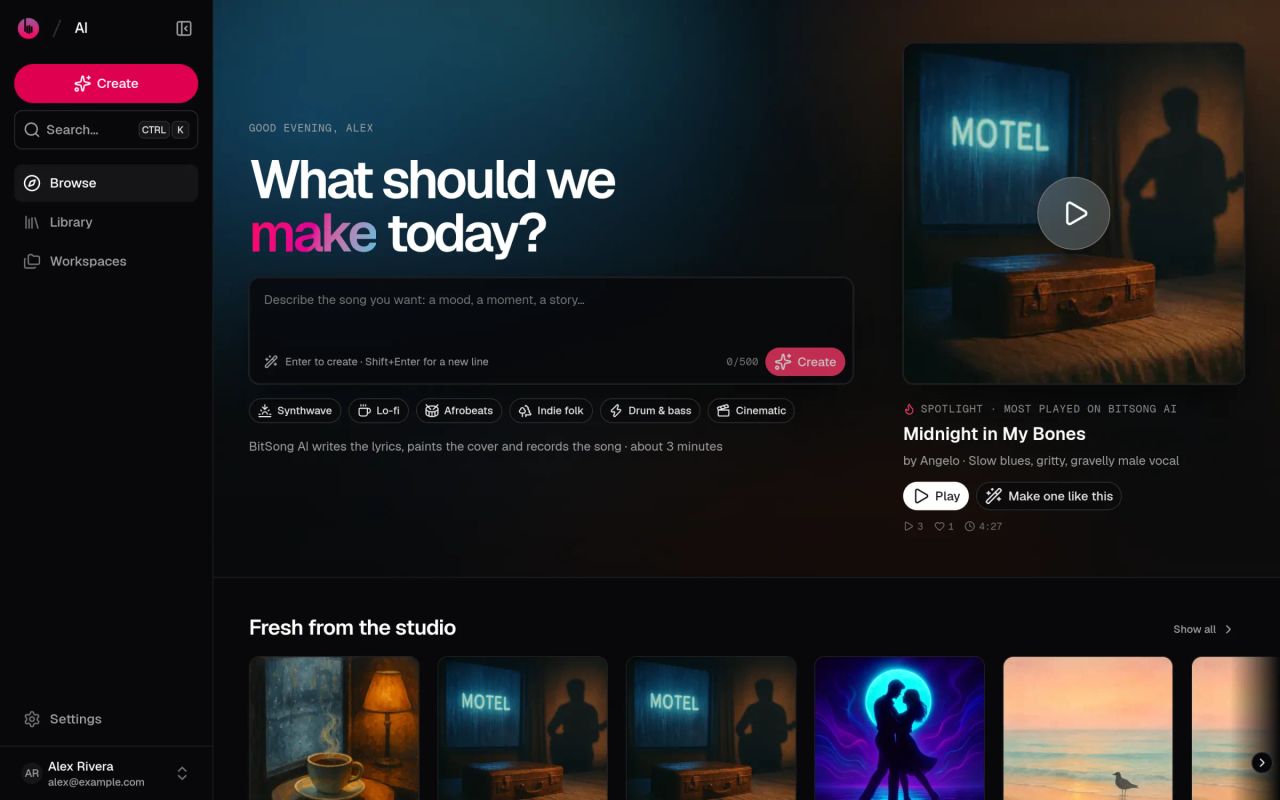
Describe a moment. BitSong AI writes the words, paints the cover, sings and masters it · ready in about three minutes
How it works
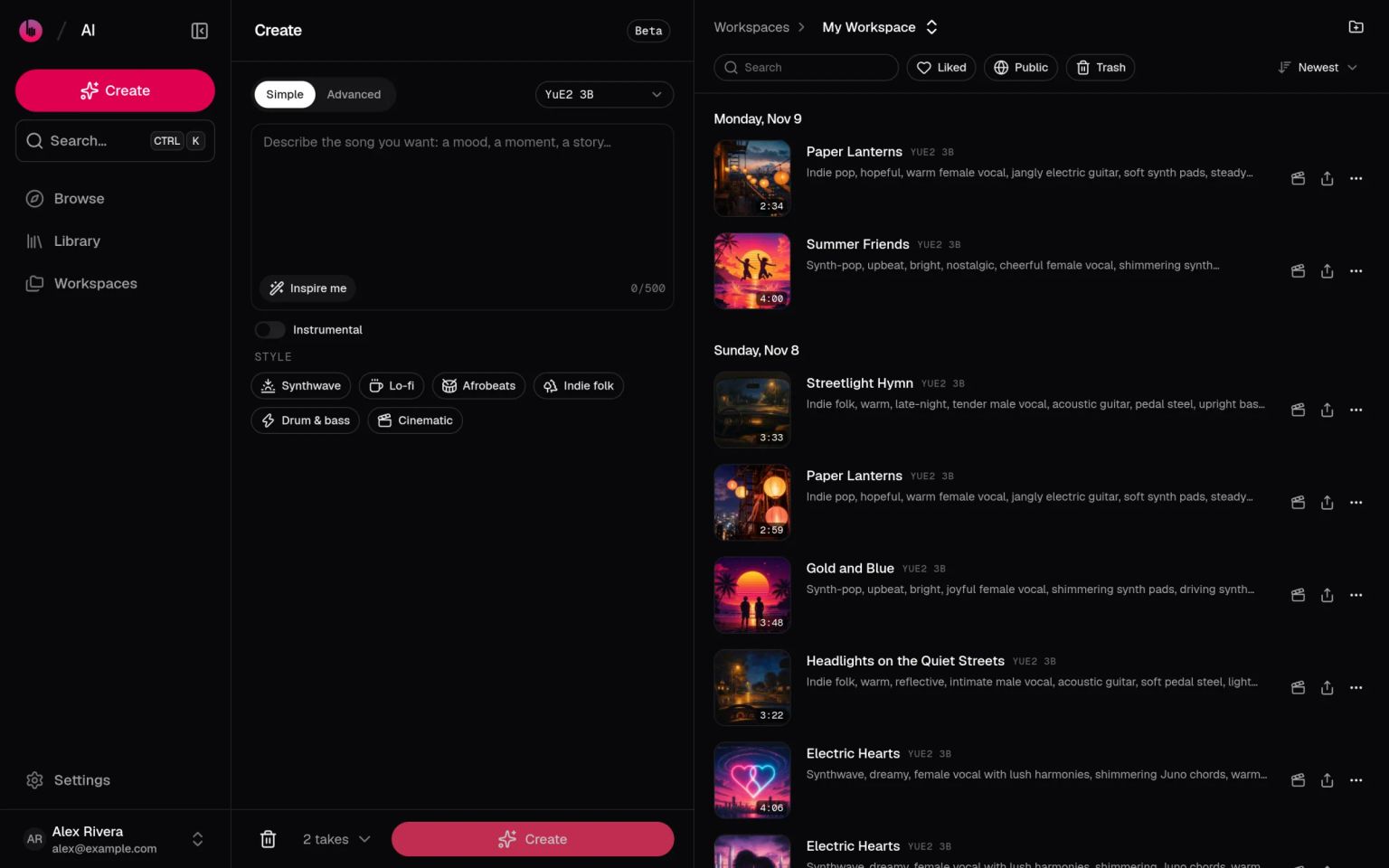
A memory, a mood, a story, written the way you would tell a friend. Pick a style or two. In Advanced, bring your own lyrics, a title, or ask for an instrumental
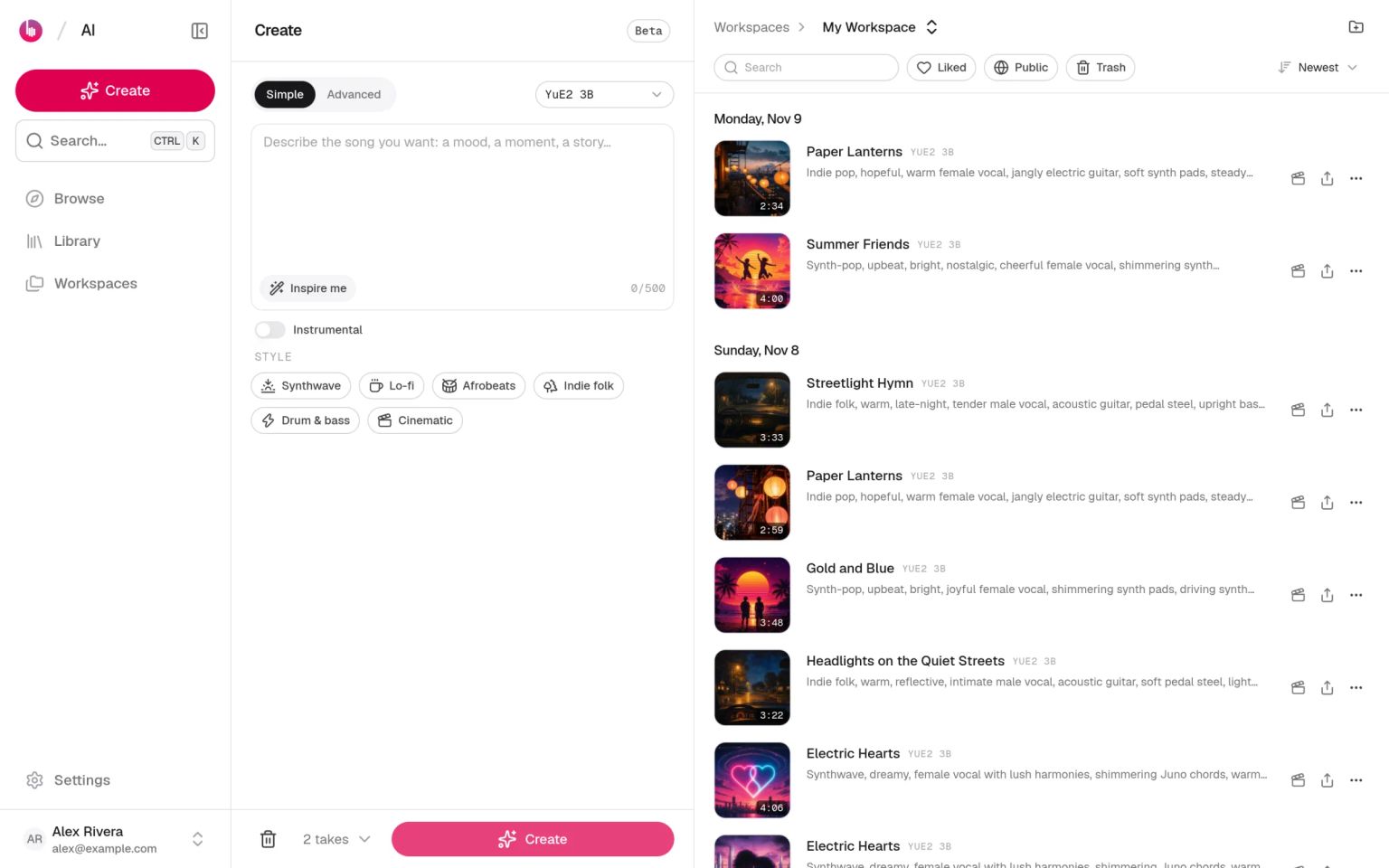
BitSong AI writes the words, paints the cover and records the song, two takes at a time. The lyrics show up as they are written, the cover as soon as it is painted, and the song plays the moment it is ready

Acoustic folk-jazz, cozy, intimate, soft female vocal
Ready to play
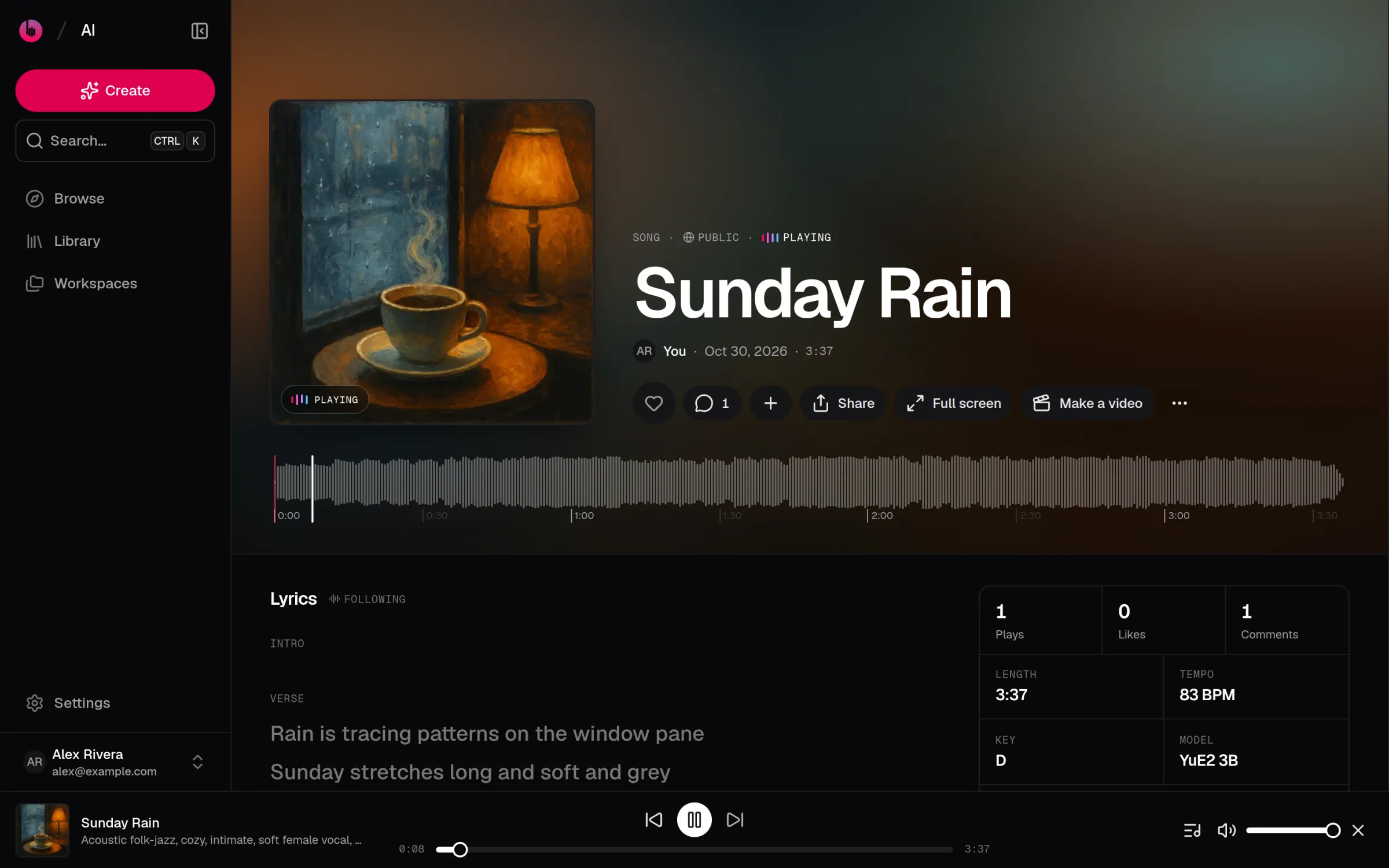
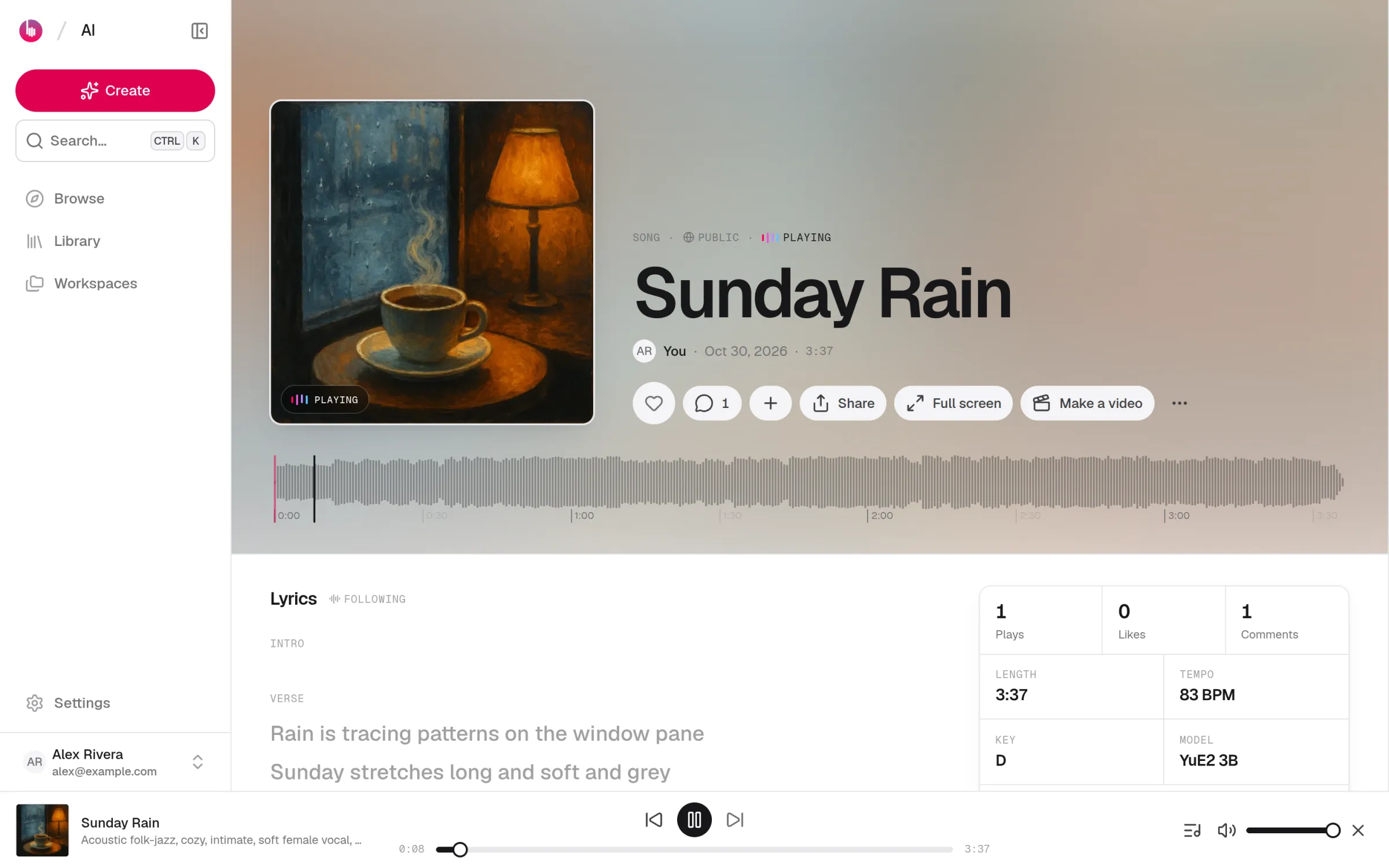
Every song gets a page lit by its own artwork, with lyrics that follow the singing, comments, likes and a share sheet for links, Stories and embeds. Publish it to BitSong with your name on the credits
After Create
A page, a video, a player and a home. Not a download link
A link that unfurls with the cover on WhatsApp, X or Telegram. A 4:5 picture for Stories, the real player to embed on a site. Start at the best moment
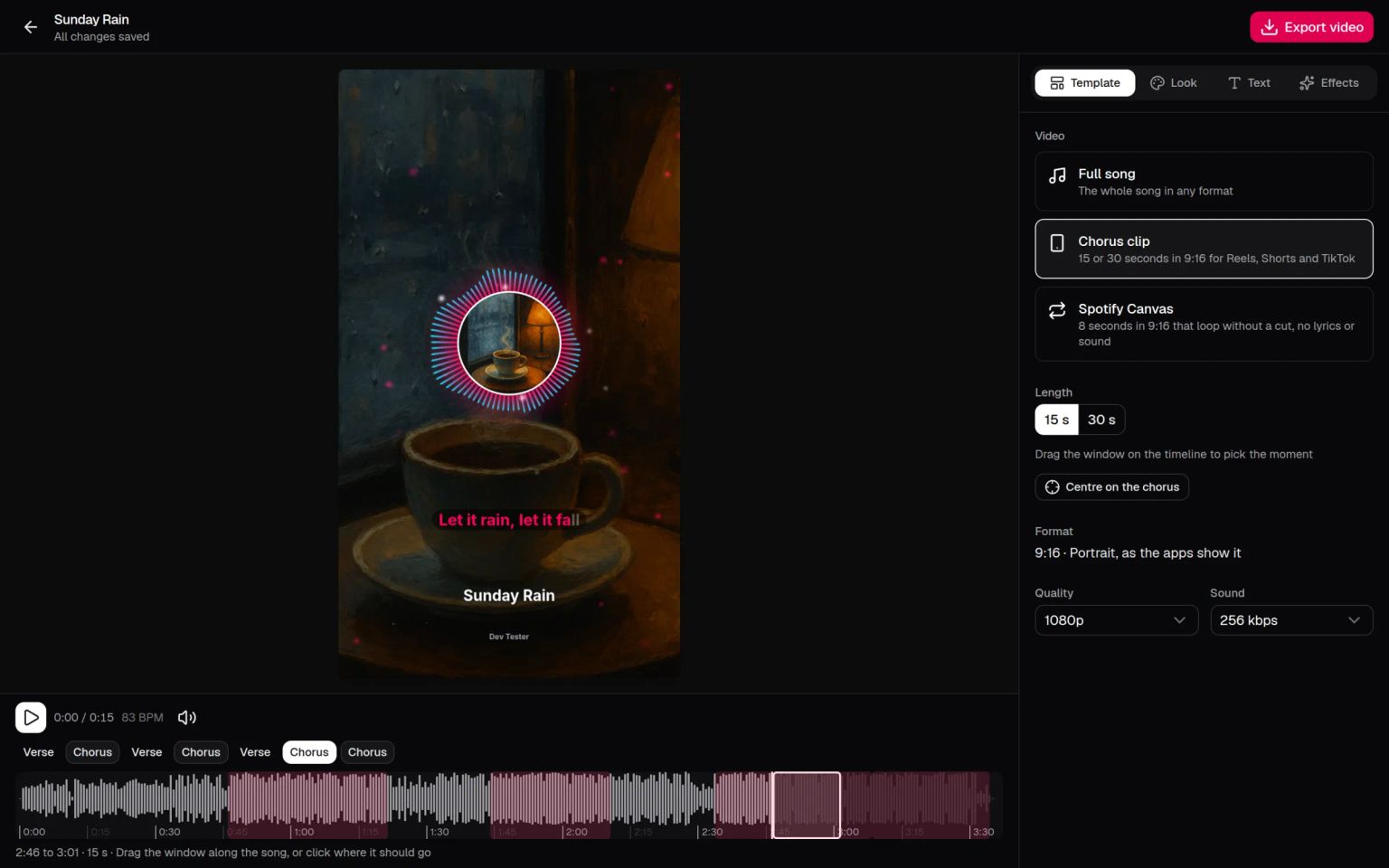
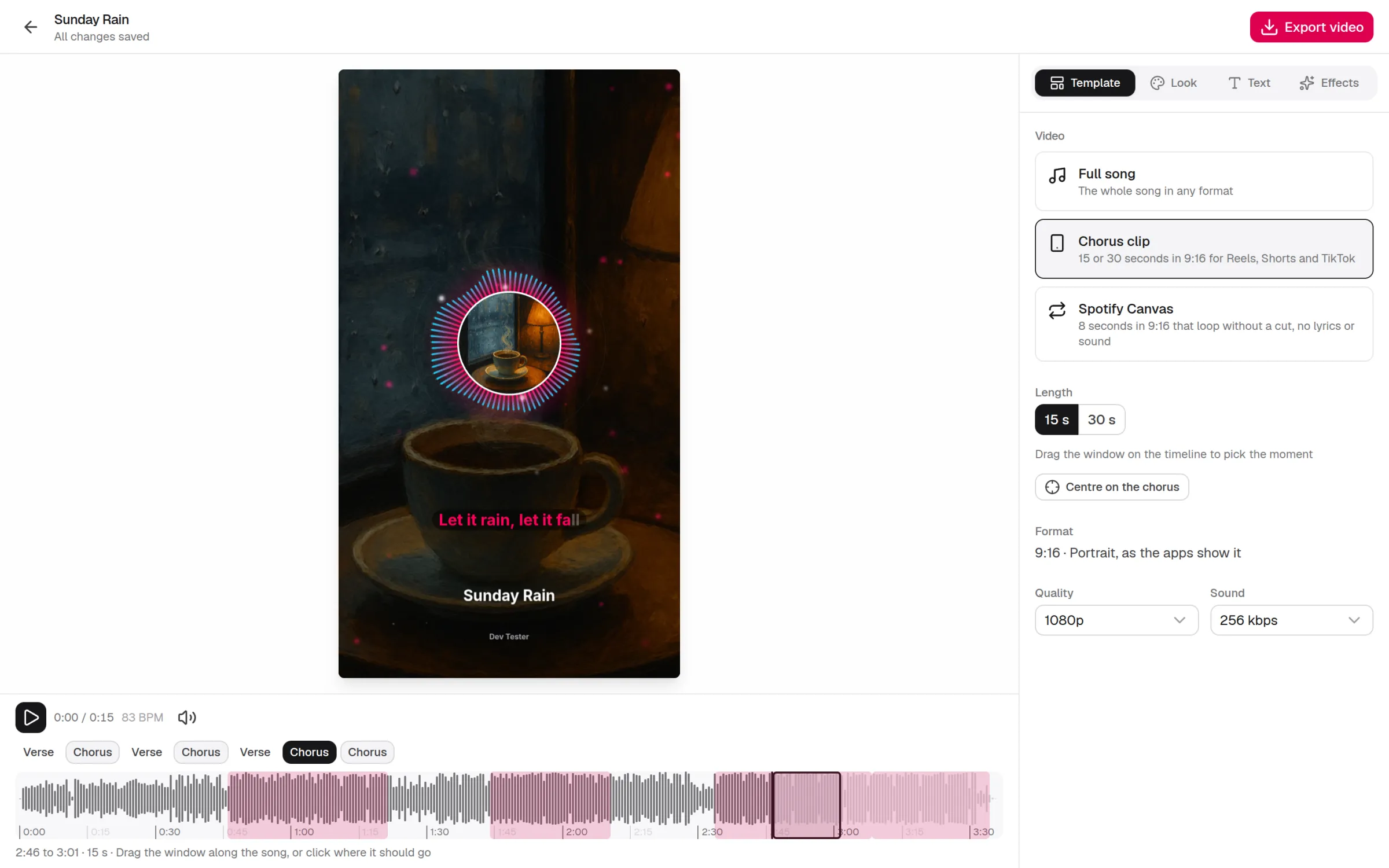
Pick a template, drag the window to the chorus, add the lyrics as karaoke and export. The cover, a visualizer and effects in the song's own colours
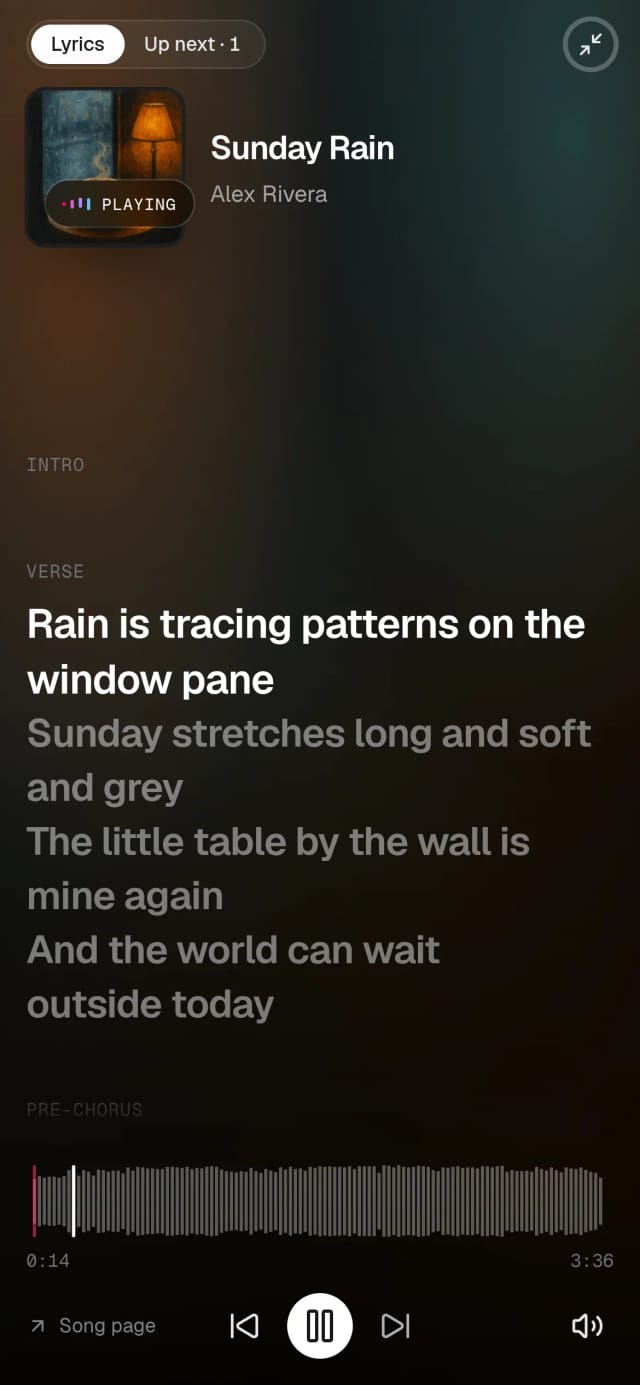
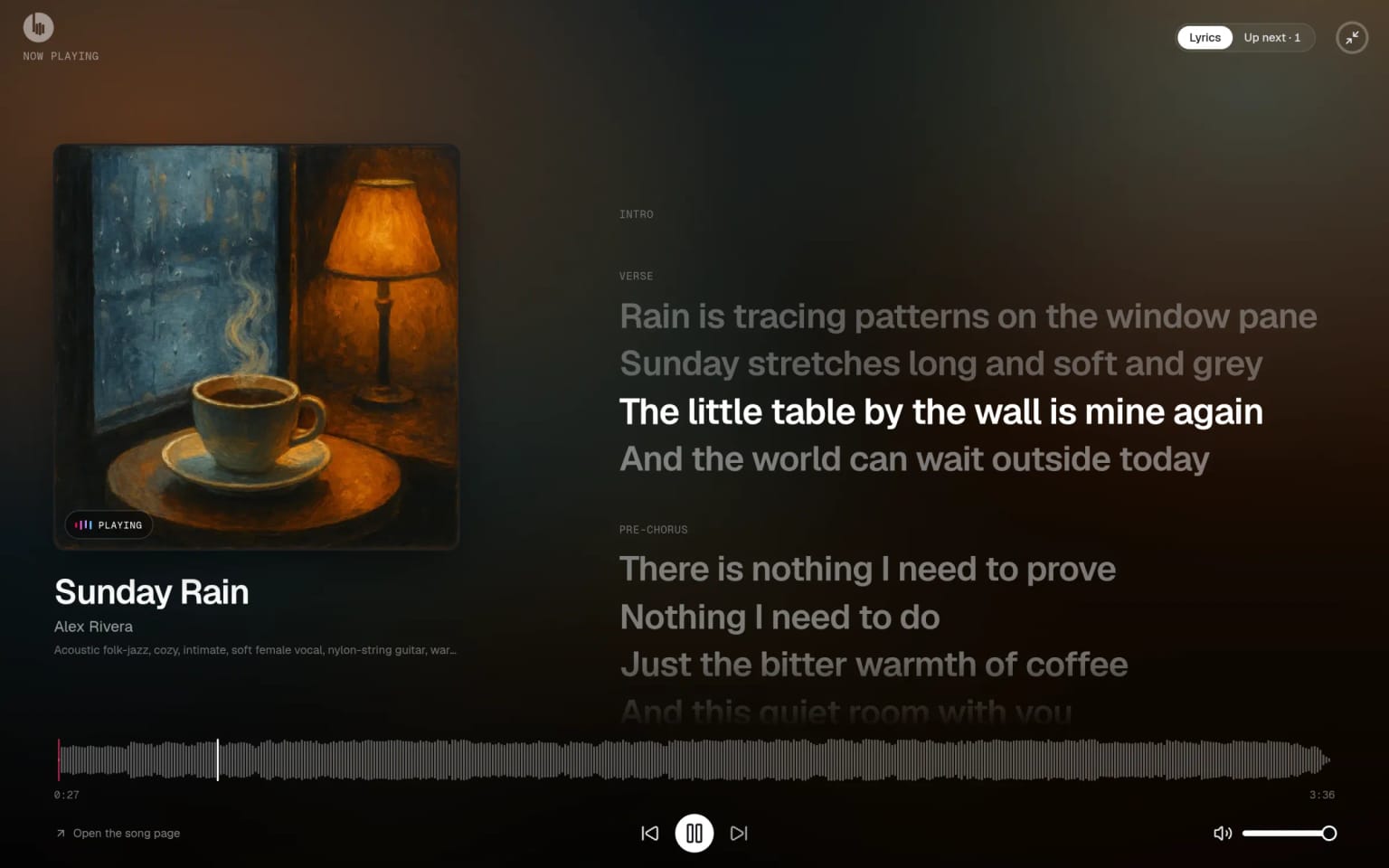
The line being sung lights up, the rest fade back. Tap a line to play from there
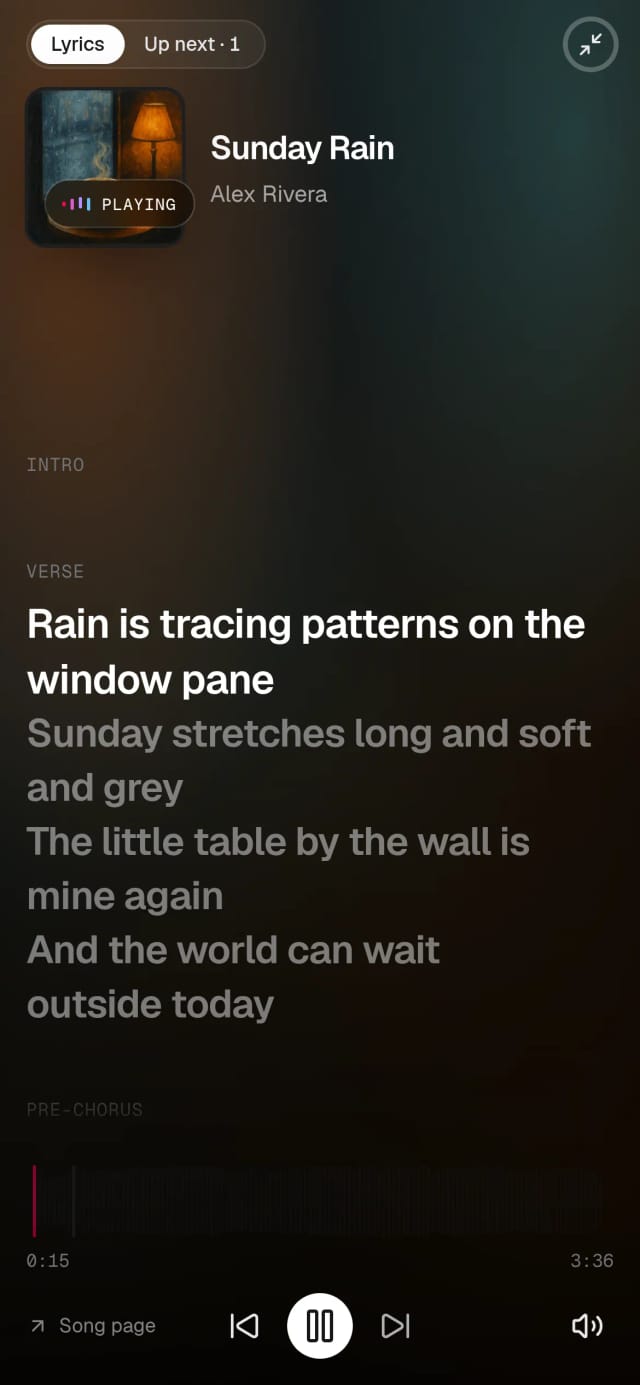
The song page, the player and the full screen take their light from the cover's own colours, fuller while it plays
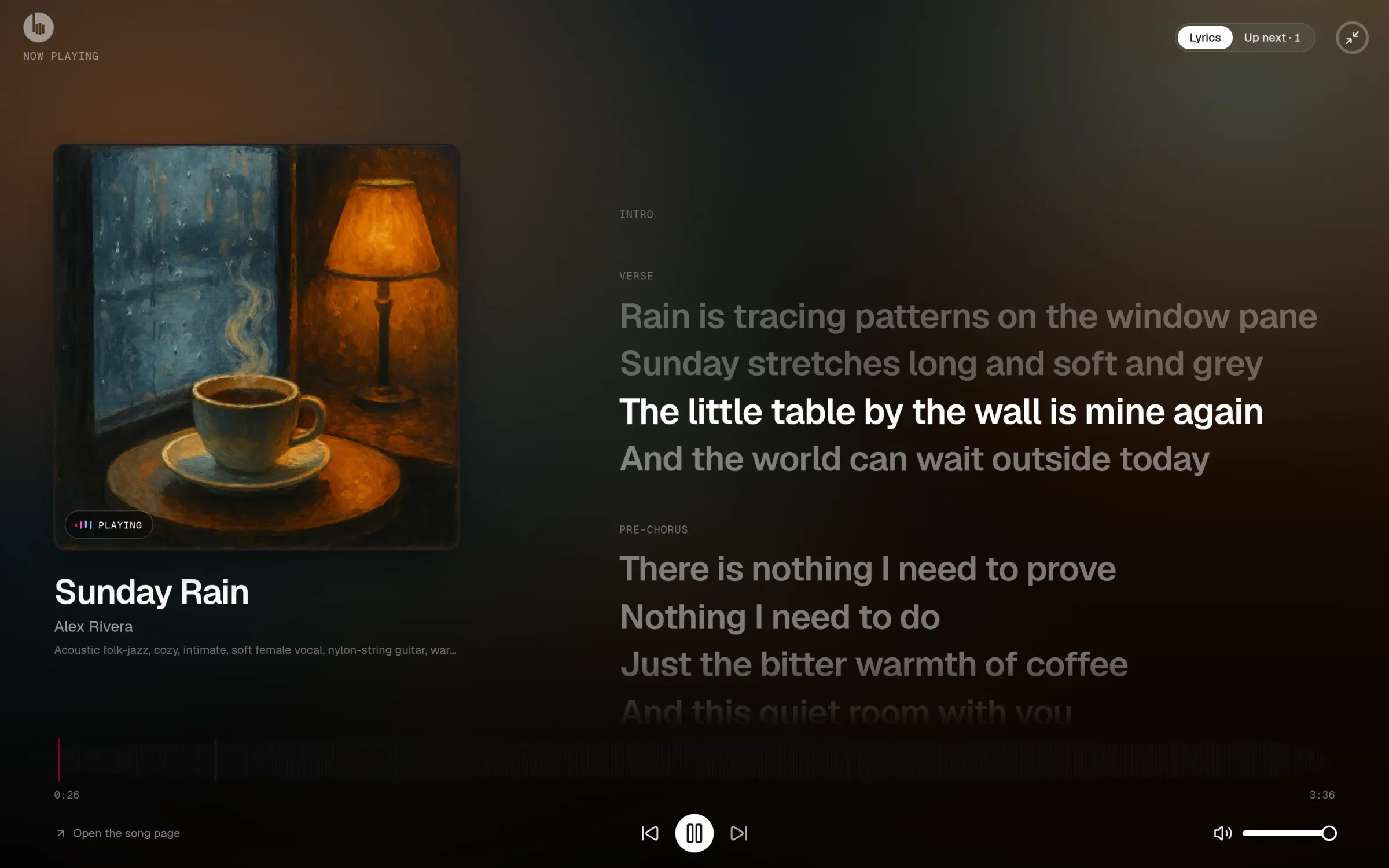
Every screen in both, following your system or a switch in the header. Drag to compare
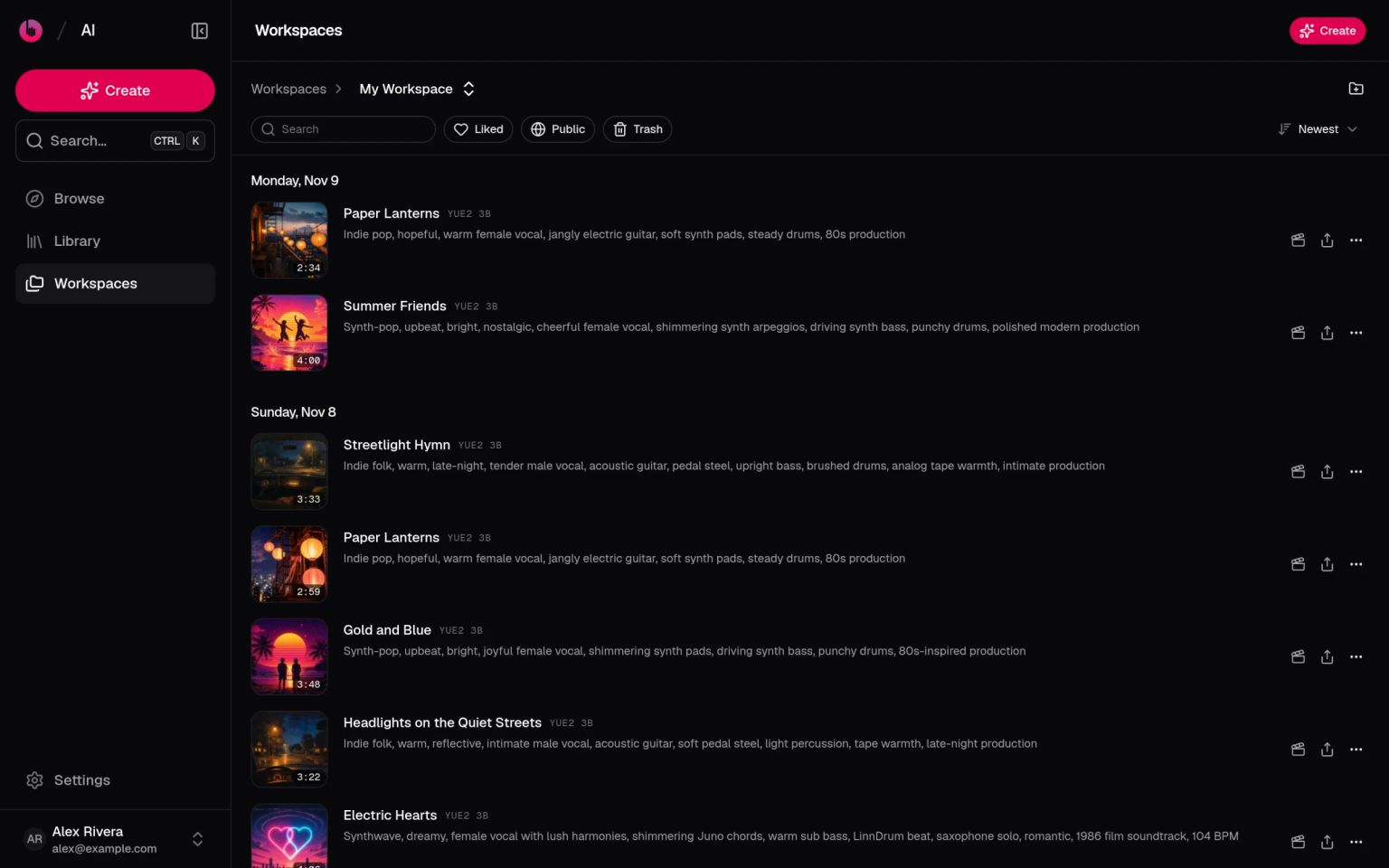
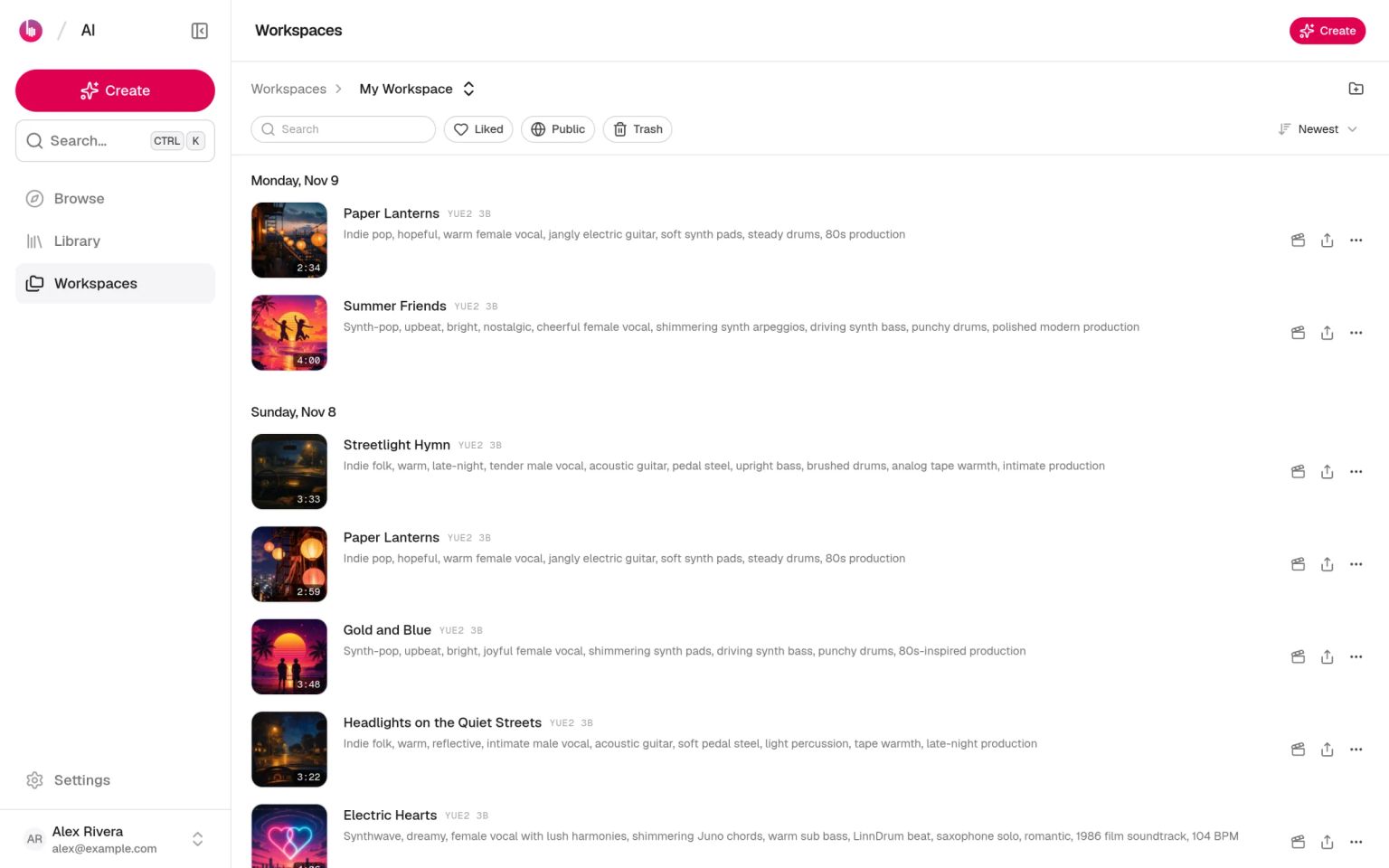
An album, a client, a side project: each workspace with its own songs, search, favourites and trash
Questions
Join the waitlist for launch news and an early spot in the beta, with free generations every day